AKB76037601 Remote Control – Replacement Smart LCD TV Remote


AKB76037601 Remote Control – Replacement Smart LCD TV Remote
AKB76037601 Remote Control – Replacement Smart LCD TV Remote
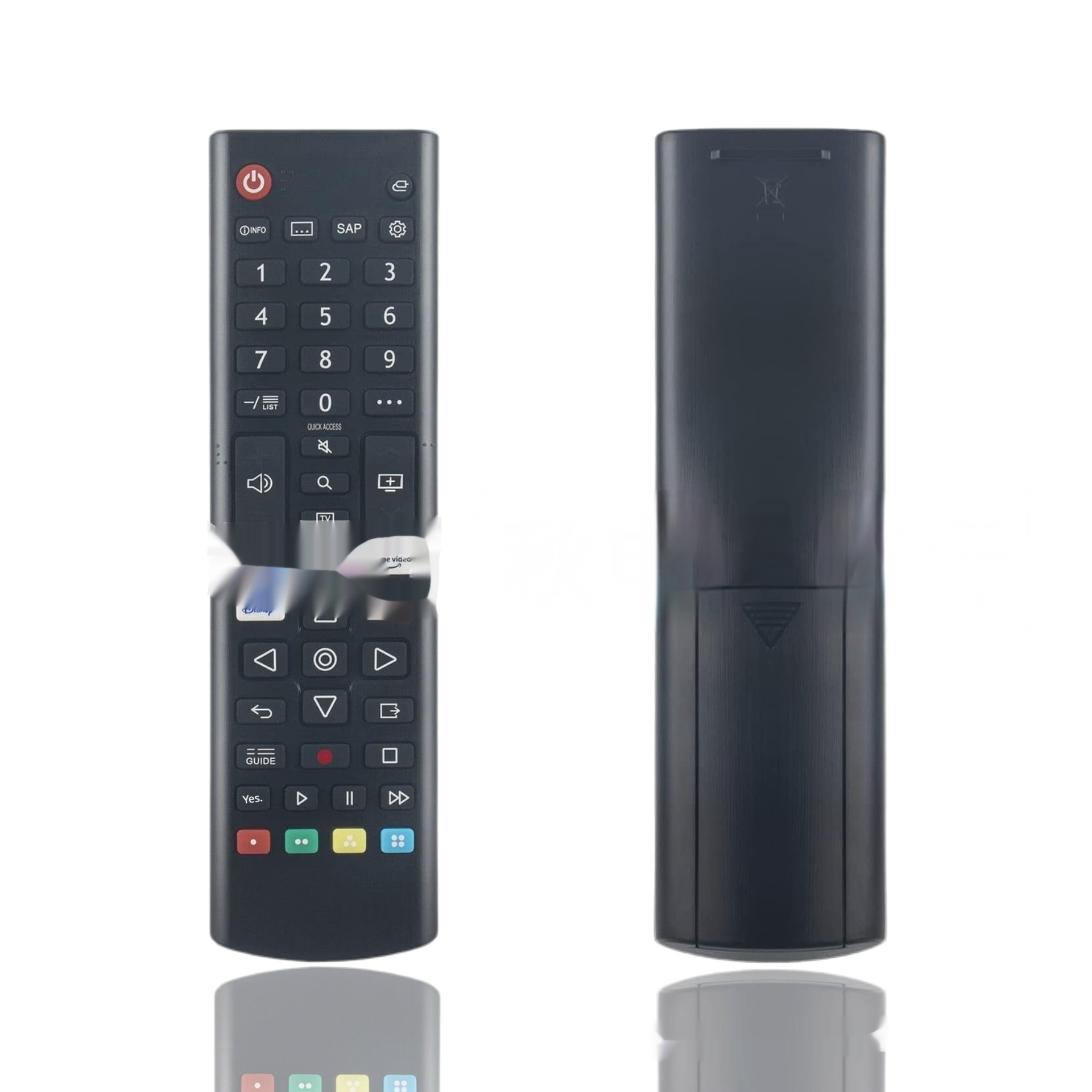
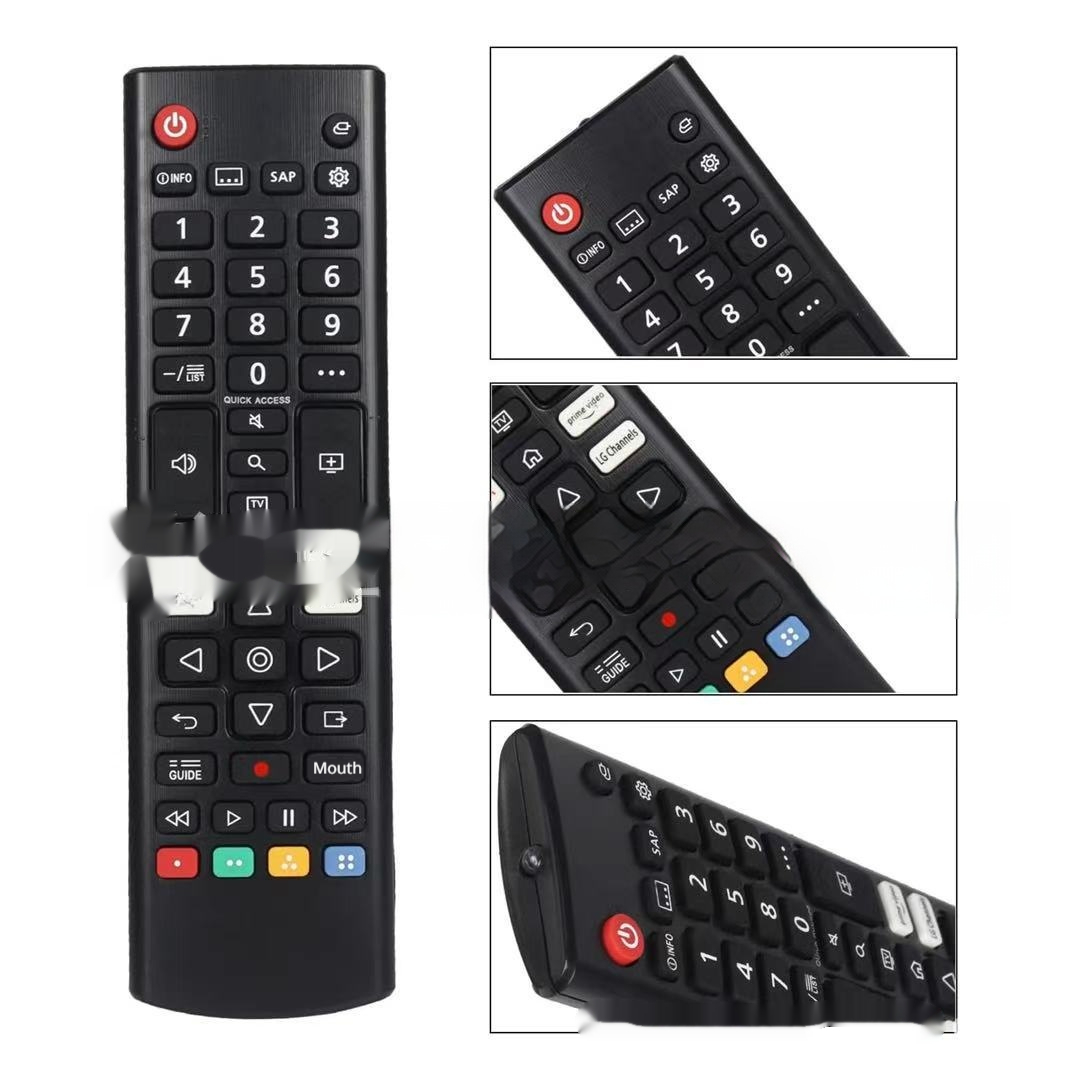
This AKB76037601 remote control is a replacement handset for a smart LCD television. It is a full-size black remote with a number pad, a navigation ring, playback keys and four coloured buttons, and it runs on two AAA batteries. The supplier lists it under the model code AKB76037601 and as a television remote. Easy Life Markets sells it as a single handset.
A lost or worn-out remote control is one of the most common reasons a perfectly good TV becomes awkward to use. Smart TVs hide most of their settings, inputs and apps behind the handset, and the buttons on the set itself only cover the basics. A replacement that matches the original model code gets all of that back without replacing the television.
What Is in the Box
- 1 × remote control
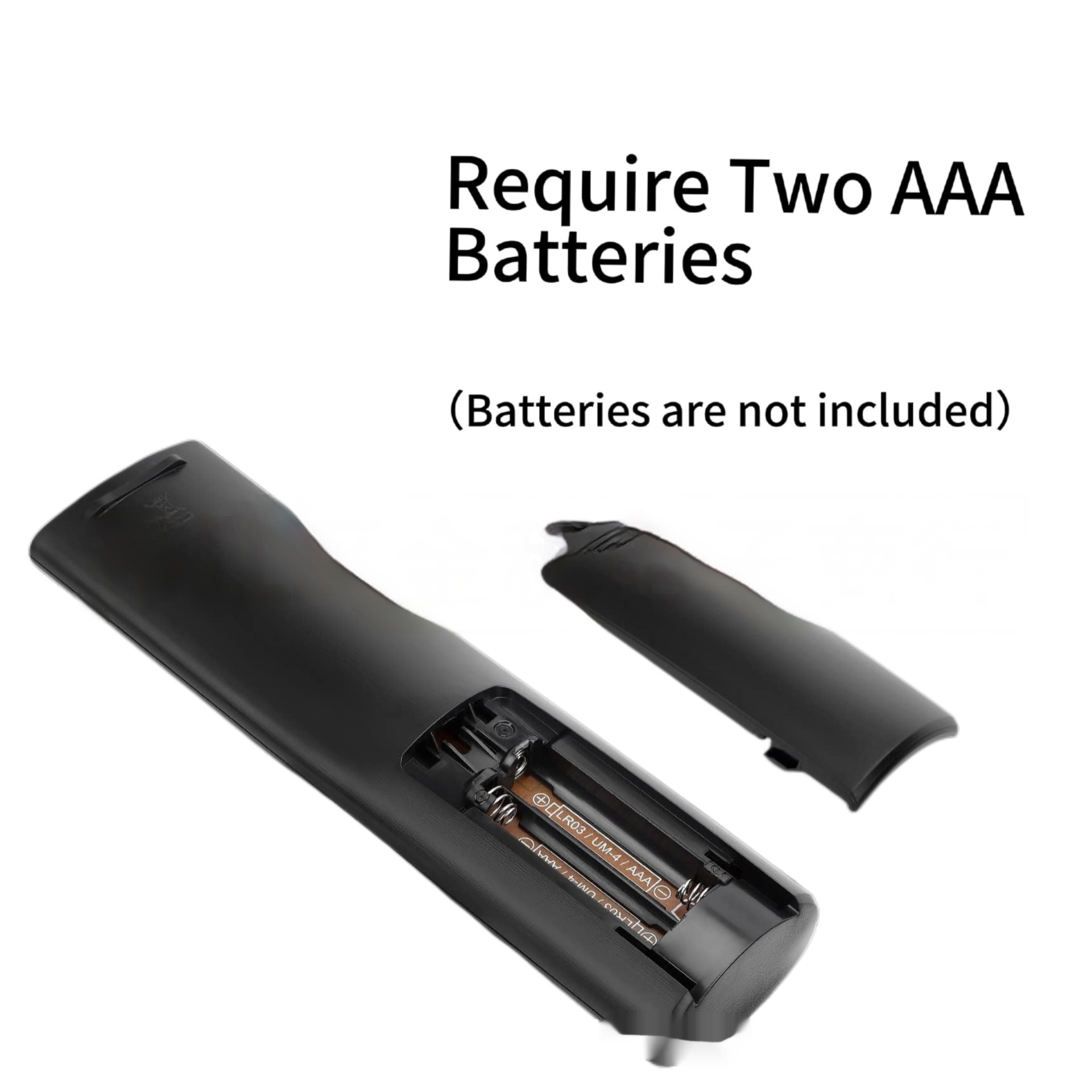
Batteries are not included. The supplier's picture states that the remote needs two AAA batteries.
Specifications
- Model code: AKB76037601
- Type: Audio and video accessory, remote control
- Applicable device: Television
- Batteries: 2 × AAA, not included
- Colour: Black
- SKU: CJYD276870102BY
Buttons Shown in the Photos
From top to bottom, the photos show a red power button with a row of small function keys beside and below it, a number pad from 0 to 9, volume and channel keys with a mute key between them, a home key, a four-way navigation ring with a centre button, back and exit keys, playback controls, and red, green, yellow and blue buttons along the bottom. There is also a row of shortcut keys in the middle of the handset. Those are blurred in the supplier's photos, so we cannot tell you which services they open.
Will It Work with Your TV?
This is the part to get right, and we would rather you check than guess.
- Find the code on your original remote. The model code is usually printed on the back of the handset or inside the battery compartment. If yours reads AKB76037601, this is a like-for-like replacement by code.
- If the original is lost, look in the TV's manual or on the maker's support page for the remote supplied with your model.
- If your code is different, do not assume it will work. Remotes that look the same can use different key codes. Send us the TV model number from the label on the back of the set and we will ask the supplier.
Codes beginning with AKB are the format used on LG television remotes. The supplier does not name the TV brand or publish a list of models, so we do not publish one either.
What It Is and What It Is Not
- It is a replacement remote from our supplier. It is not an original handset made by the television's manufacturer, and we do not sell it as one.
- It is a button remote. The photos show no pointer wheel and no microphone opening that we can identify, and the supplier does not list voice or pointer functions. If your original remote was the kind you wave at the screen to move a cursor, expect this one to work with the arrow keys only.
- Setup. The supplier gives no pairing instructions. Button remotes of this style normally use infrared and work as soon as batteries are fitted and the remote is pointed at the TV.
Getting Started
- Slide off the battery cover on the back and fit two fresh AAA batteries the right way round.
- Point the remote at the front of the TV and press the power button.
- Try volume, the home key and the navigation ring.
- If nothing happens, check the batteries, move closer, and make sure nothing is blocking the sensor on the TV, which is usually on the bottom edge.
If Some Keys Do Not Respond
When power and volume work but a shortcut or menu key does nothing, the cause is usually the TV's software and not the handset. Shortcut keys open apps that must be installed on the set, and a key for a service your TV does not carry has nothing to launch. If no key works at all, point a phone camera at the front of the remote and press a button. On most phone cameras an infrared emitter shows as a faint flashing light, which tells you the remote is sending.
Looking After It
- Use alkaline batteries and replace both together.
- Take the batteries out if the remote will not be used for a few months. Leaking cells are what kill most handsets.
- Wipe it with a dry or slightly damp cloth. Do not use spray cleaners, which run under the keys.
- A silicone sleeve helps if the remote is dropped often.
Who It Suits
Owners of a TV whose original remote carried this model code and has been lost, chewed, dropped or worn out, and anyone who wants a spare handset for a second room.
Common Questions
Does it need programming? The supplier lists no programming steps.
Is it a universal remote? No. It is listed under one model code. For one device that controls several appliances, see our smart IR remote control.
Does it have voice control? None is listed.
What if it does not work with my TV? Contact us with your TV model and order details and we will help under our returns policy.
Buy the AKB76037601 Remote Control at Easy Life Markets
The current price and availability are shown on this page. Please read our return and refund policy before buying.
Related Products
Browse our TVs and home theater and electronics collections.
Product Photos