Wireless Silent Gaming Mouse T1 – Wireless Charging Gaming Mouse, 2.4GHz, 1600 DPI, 6 Buttons


Wireless Silent Gaming Mouse T1 – Wireless Charging Gaming Mouse, 2.4GHz, 1600 DPI, 6 Buttons
Wireless Silent Gaming Mouse T1 – 2.4GHz, 1600 DPI, 6 Buttons
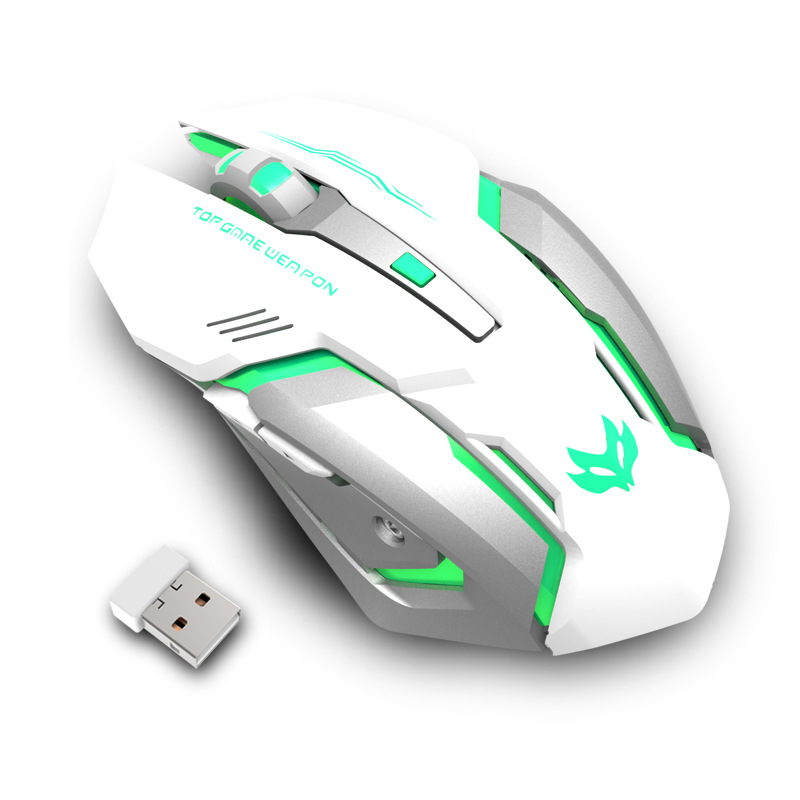
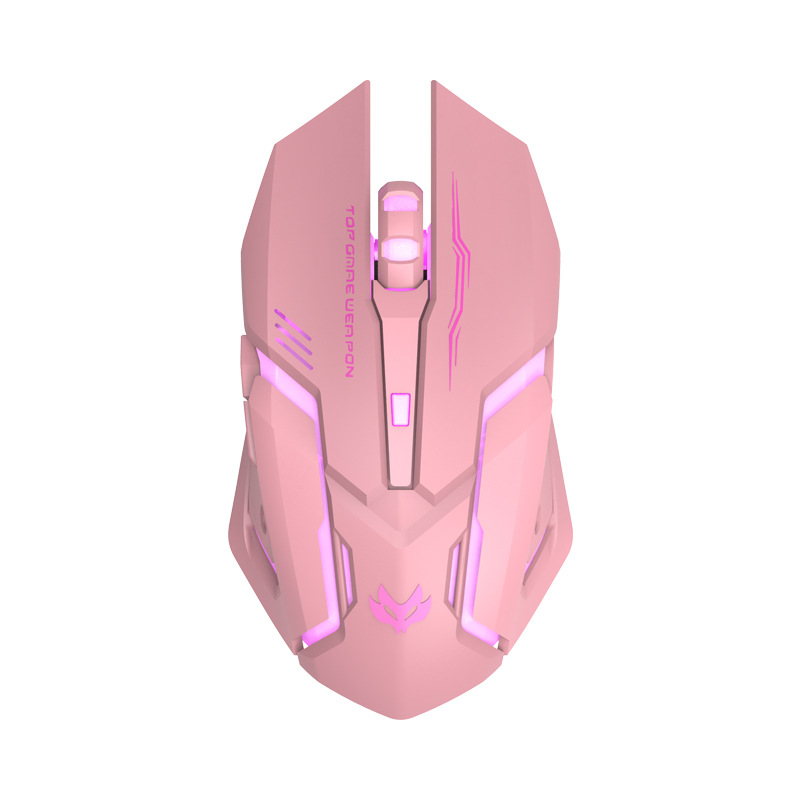
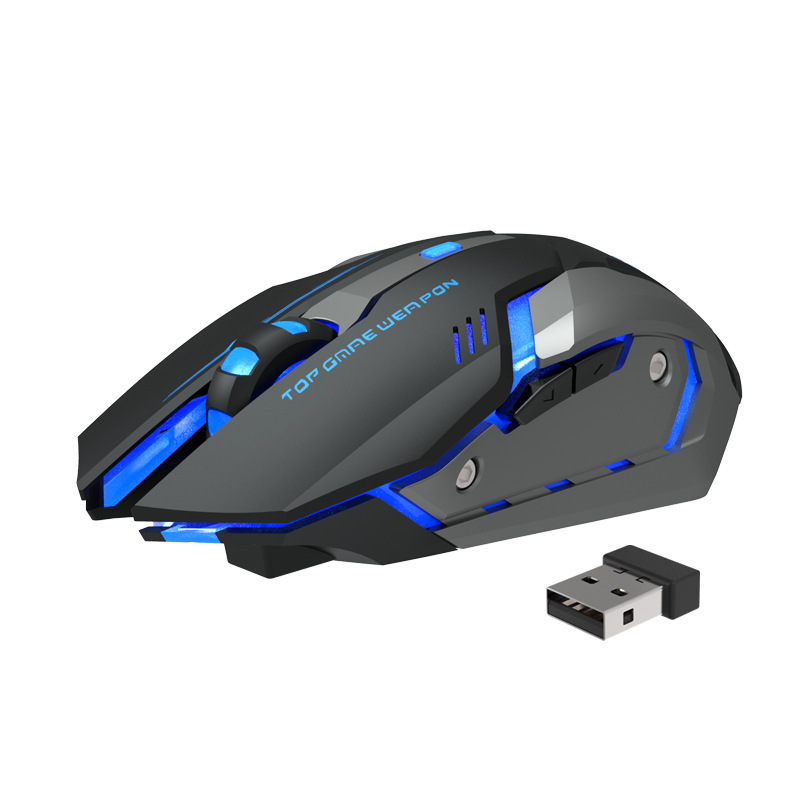
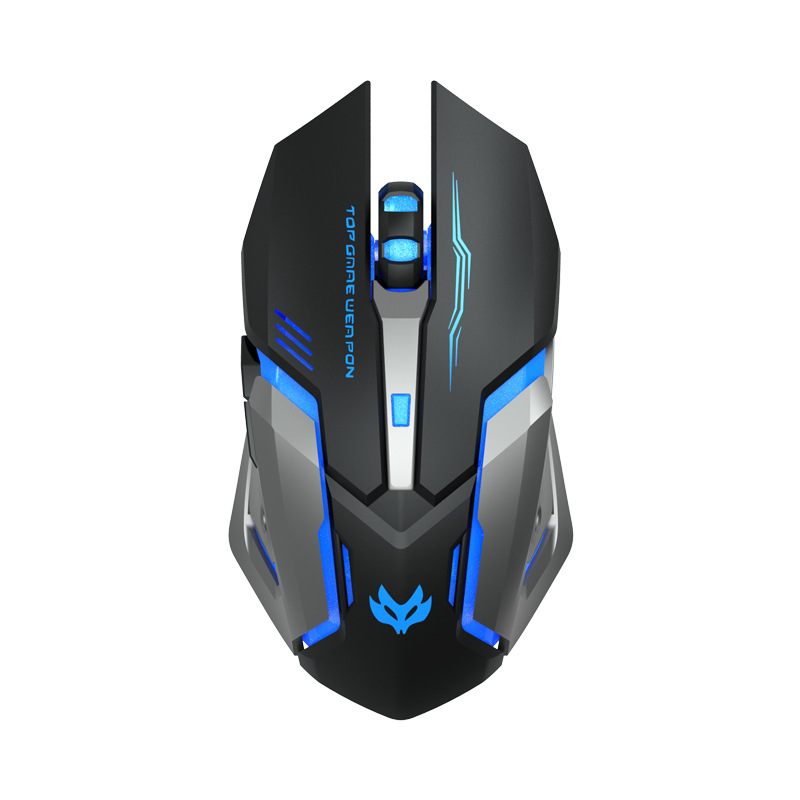
This wireless silent gaming mouse is the T1, a full-size optical mouse that connects through a 2.4GHz USB receiver. The supplier lists six buttons, a resolution of 1600 DPI that can be changed in steps, an ergonomic shape and a working range of 10 metres. It comes in black, pink and white, and the photos show it backlit, with "TOP GAME WEAPON" printed along the left button. Easy Life Markets sells it for laptop and desktop users who want a cable-free mouse with a gaming look.
The body is angular, with cut-away panels the light shines through, a tall scroll wheel and two thumb buttons on the left side. At 120 mm or longer, by the supplier's size class, it is a large mouse made to fill the palm instead of being pinched between the fingertips. The 2.4GHz link is the simple kind: plug the small receiver into a USB port and the mouse works, with no pairing menu. If you would like the background on optical sensors and DPI, the article on the computer mouse covers it.
What Is in the Box
- 1 x mouse
The supplier's packing list has a single line, and it is plainly a typing error: it reads "Watch x 1". The photos show the mouse with a small USB receiver beside it. A charging cable is not listed. If you need to know exactly what arrives, ask us before ordering.
Specifications
- Model: T1
- Connection: Wireless, 2.4GHz, USB receiver
- Sensor: Optical (photoelectric)
- Resolution: 1600 DPI, adjustable in up to three steps
- Buttons: 6
- Scroll wheel: Listed as a four-way wheel
- Size class: Large, 120 mm or longer
- Operating distance: 10 m
- Shape: Ergonomic
- Listed for: Laptops
- Colours: Black, Pink, White
- Brand: Unbranded
About the Two Versions of Each Colour
The selector shows six options: Black, Pink and White, and then "2.4G black", "2.4G pink" and "2.4G white". The supplier does not explain what separates the two sets. Every specification it publishes describes a 2.4GHz mouse. Until we have a clear answer, we would rather tell you that than guess. If the difference matters to you, ask us and we will check with the supplier before you order.
"Silent" and "Wireless Charging": What the Title Means
The supplier's title calls this a silent mouse and uses the phrase wireless charging. In listings like this, silent normally means quieter click switches, and wireless charging normally means a wireless mouse with a built-in rechargeable battery. That is how we read it. The specification sheet, however, gives no noise figure, no battery capacity, no charging time and no charging port type. We are passing on the description without figures we cannot support. It does not mean the mouse charges on a wireless charging pad.
Will It Work with Your Computer?
- You need a standard USB-A port for the receiver. Laptops with only USB-C ports need an adapter or hub.
- Operating system. The supplier lists laptops and names no system. A 2.4GHz receiver mouse shows up as a standard USB mouse, which Windows, macOS and Linux all handle without drivers.
- Hand size and grip. This is a large, right-handed shape with the thumb buttons on the left side. It suits a palm grip and medium to large hands. Small hands, or left-handed users, may find it awkward.
Buttons and DPI
The six buttons are left, right, the wheel click, two thumb buttons and a button behind the wheel. On mice of this layout the button behind the wheel steps through the DPI settings and the thumb buttons act as back and forward in a browser. A higher DPI moves the pointer further for the same hand movement, which is useful on a large screen, and a lower one gives finer control for aiming or detailed editing. The supplier does not list the individual DPI steps or mention any software for remapping buttons.
Getting the Best from It
- Plug the receiver into a port on the same side as the mouse, away from USB 3.0 drives and hubs, which can interfere with 2.4GHz signals.
- Use it on a mouse mat or a plain matt surface. Optical sensors struggle on glass and glossy desks.
- Keep the receiver in the laptop or in your bag's small pocket. It is the part that gets lost.
- If your mouse has a power switch underneath, turn it off when you carry it, so it does not wake the computer or run its battery down.
Care
Wipe the shell with a slightly damp cloth and clean the sensor window with a dry cotton bud. Dust and hair round the feet make any mouse drag, so pick it off from time to time.
Who It Suits
Casual gamers, students and home-office users who like a larger mouse and a lit-up design. Competitive players who need a top-end sensor and adjustable weights should look at specialist models.
Common Questions
Is it Bluetooth? The supplier lists a 2.4GHz connection through a USB receiver and does not mention Bluetooth.
Can the lights be switched off? The supplier does not say.
Does it need batteries? The title implies a rechargeable battery. No battery details are published, so ask us if you need this confirmed.
Is it suitable for left-handed use? The thumb buttons are on the left side, which suits right-handed use.
Buy the Wireless Silent Gaming Mouse at Easy Life Markets
Choose your colour above. The current price and availability are shown on this page. Please read our return and refund policy before buying.
Related Products
- Foldable laptop cooling pad with 6 fans
- 360 rotating desk phone stand
- 5 in 1 magnetic wireless charging stand
Browse our computers and laptops, gaming and electronics collections.
Product Photos